Gone Fishing
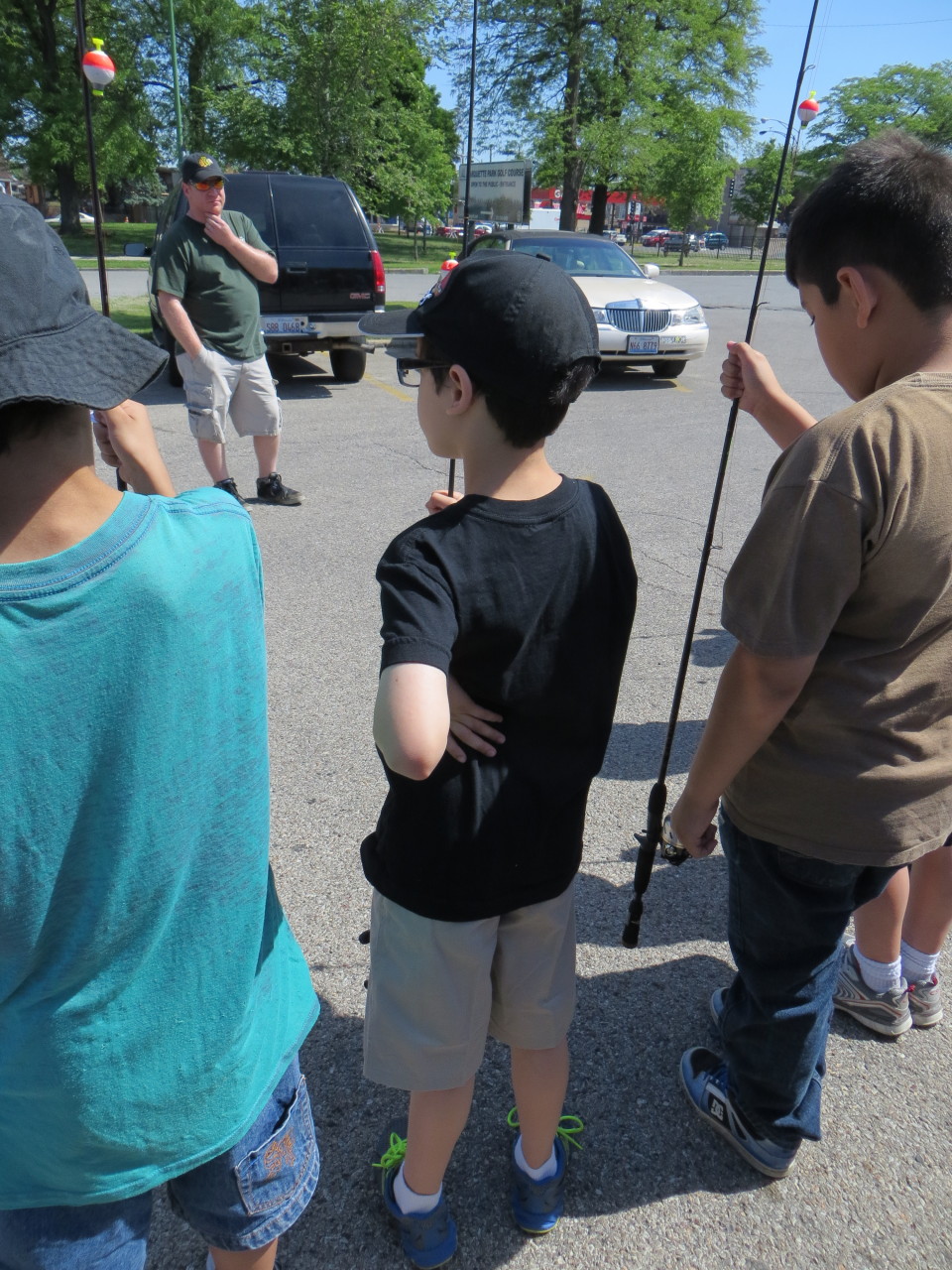
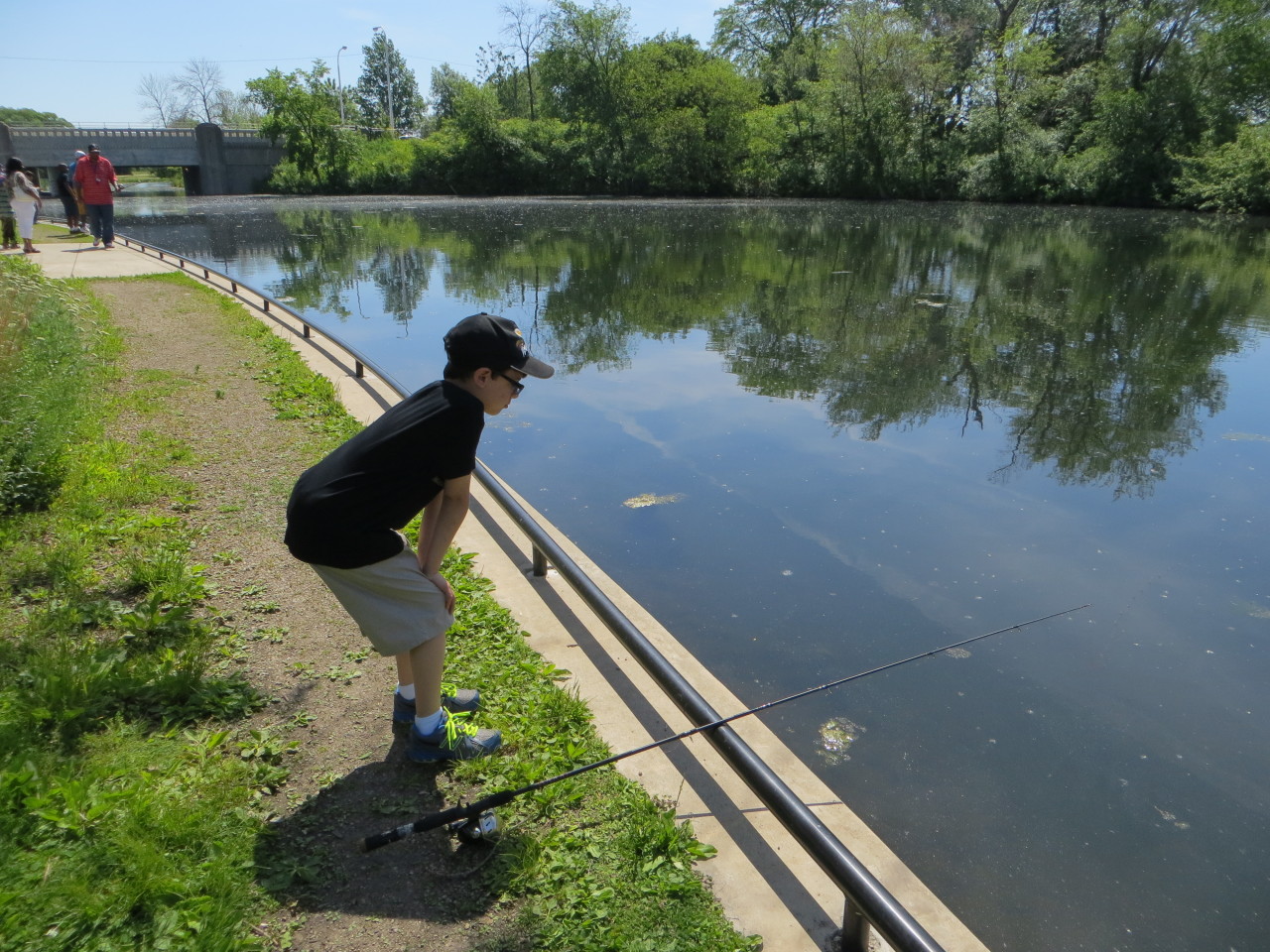
Yesterday I did something I have not done in ages, went fishing. Through Glenn’s school, they had a Father and Son fishing outing at Marquette park, in Chicago. It was nice, you did not have to bring anything, they supplied the poles, bait, and, group fishing license, and instructions. I had to warn Glenn ahead of time, it is called fishing, not catching for a reason. The lake is an odd one, making a circle around an island, and kind of unexpected in the middle of city.
Luckily, the lake is less than four miles from our house, so you could not ask for a quicker lake to get to. We arrived on time and there were a fair amount of kids there, I would say about thirty or so, with dads, so there were over fifty people there fishing. You could tell most of them had never fished or cast a rod and reel before. The poles were simple spin casters, what I learned on as a kid as well.
As was expected, there was not much to catch out there. With all the direct sun, all that was caught in two hours was just a couple of catfish called bullheads. As you can see, the are kind of an ugly looking bugger. The dad who caught him admitted it was kind of a cheat, he saw the fish in the shallows and lured him out. A lot of the kids, including Glenn were able to get a good look.
In the end, the kids got a little antsy after almost two hours in the sun. There was a quick raffle at the end, we didn’t win anything, but it was such a nice day to spend outside. No one made money off of the trip, the small amount we paid went to getting the raffle prizes and nothing more. The area was very nice, and I never knew there was a lake and a golf course, right in the middle of an urban, residential neighborhood. I am almost tempted to get a reel for Glenn to practice with, but I can just see the line getting caught in every tree in a 100 foot radius.























Missed anniversary
Not my wedding anniversary, never forget that, but Cyberphreak.com has been online since June 1, 1998, making it 15 years old now!
My first post:
Welcome to CyberPhreak.com. The place to discover why so many of us love this place called ‘cyberspace.’ The term cyberspace was originally coined by William Gibson in his novel Neuromancer. It is a place of pure data, a collective of all the world’s computers and data systems. In his novels, this matrix was accessed though a cyberspace deck and was similar to a hallucination. The technology for that type of access is not here yet, but it is coming. In the meantime, enjoy CyberPhreak.com and all the mixed writings, music, and beliefs of its creator and viewers.
Now, 15 years later we all carry computers in our pockets more powerful than anything short of a supercomputer in 1998. Over a billion people access social networking sites every day and interact with people, in real time, around the world. We are still moving towards Gibson’s vision of everyone, everywhere connected. I still marvel at how far we have some and how far we have yet to go.
Posted by admin on July 9, 2013 in General Comments
Leave a comment